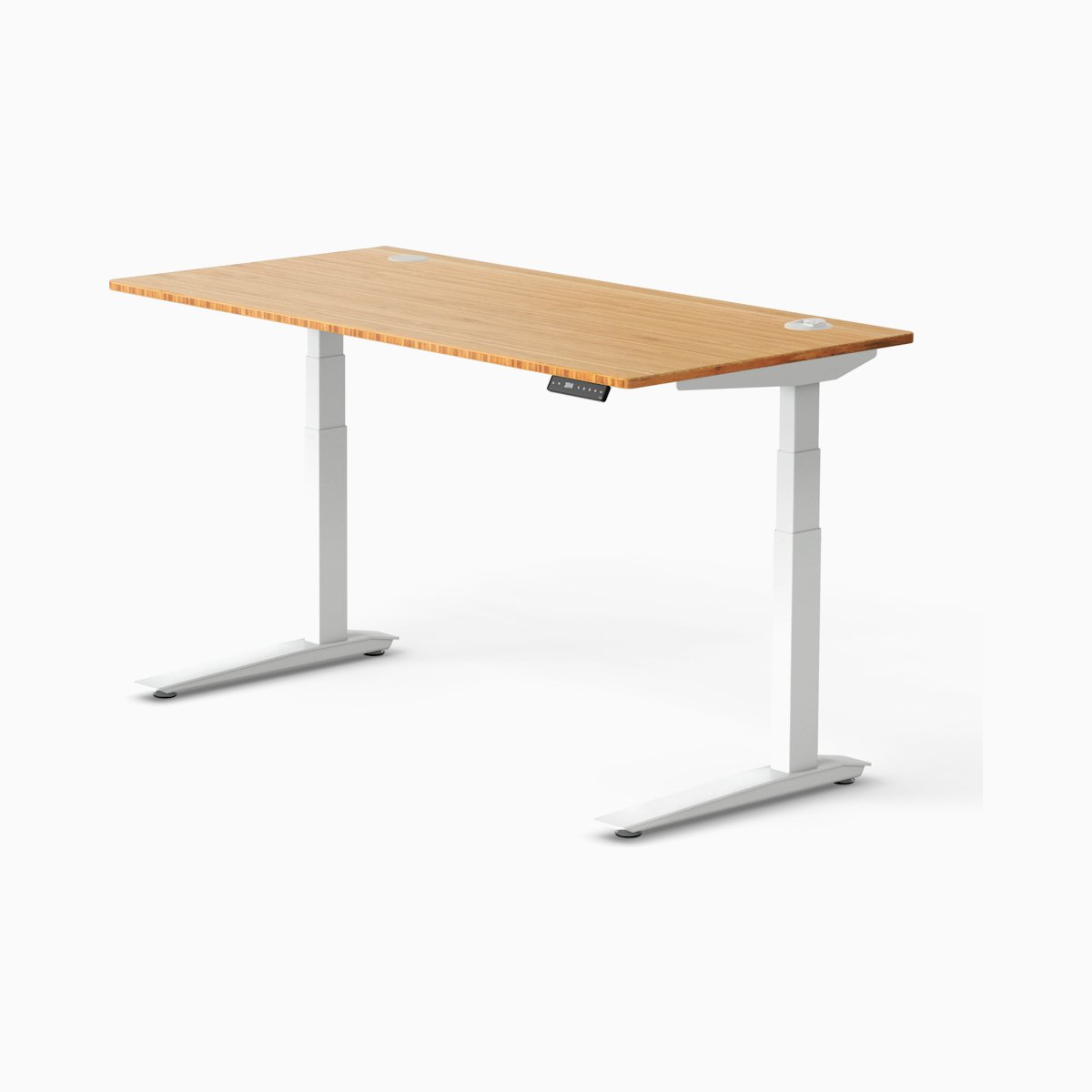
Standing desks $599-799
UPLIFT V2
The best all-around desk here: quiet motor, tactile controls, and reliable stability.
Jump to reviewA sensory field guide for desk gear
The Sensory Desk reviews desks, chairs, lighting, headphones, and setup tools through the lens of friction, overwhelm, pressure, glare, and what actually happens after the novelty wears off.
Start with proven picks
If you already know the category you care about, these are the products we’d put in front of you first.
The best all-around desk here: quiet motor, tactile controls, and reliable stability.
Jump to review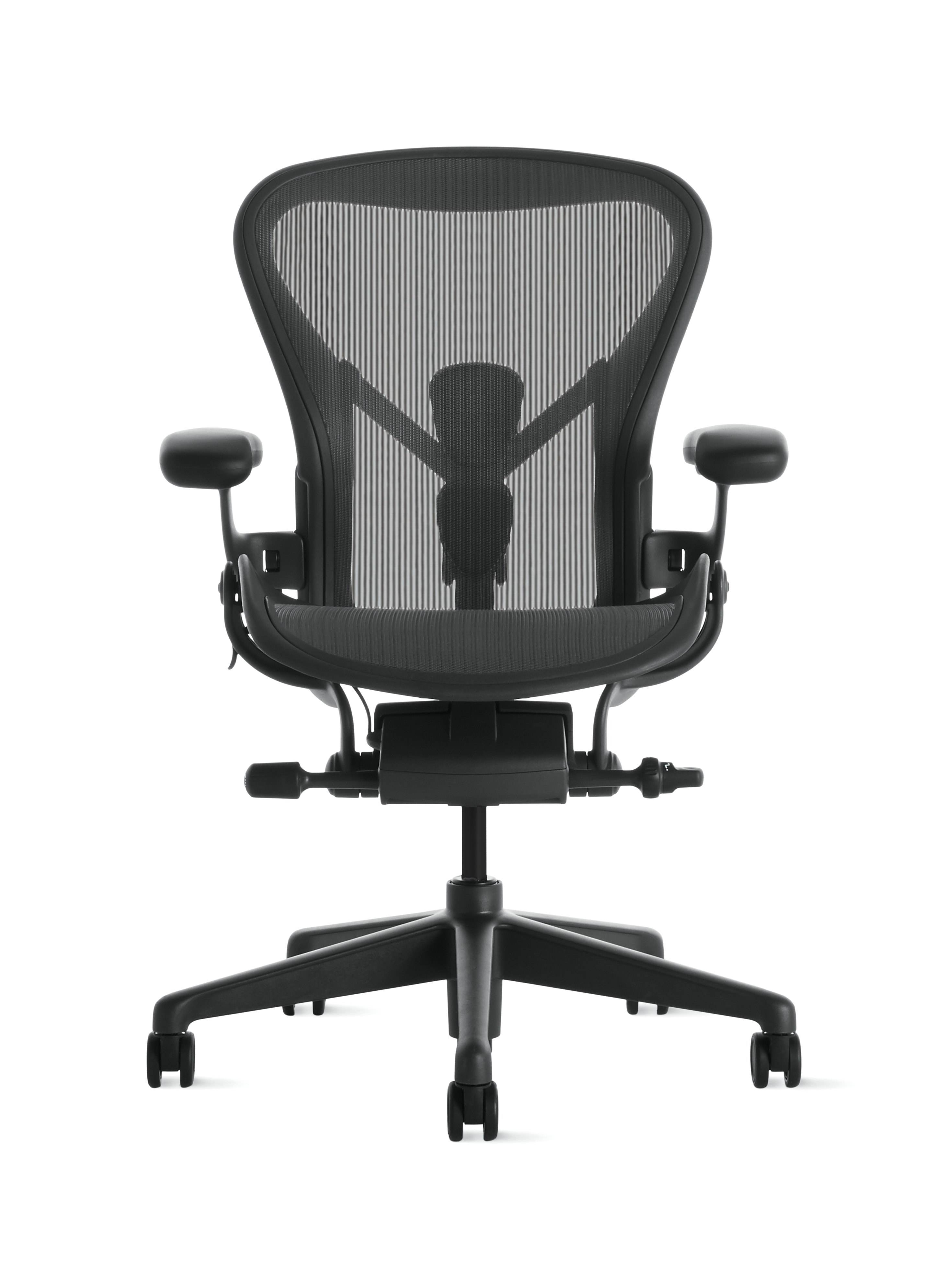
Strong for heat management and sustained comfort if mesh works for your body.
Jump to review
The most consistently wearable ANC option for long sessions and sensory-sensitive users.
Jump to review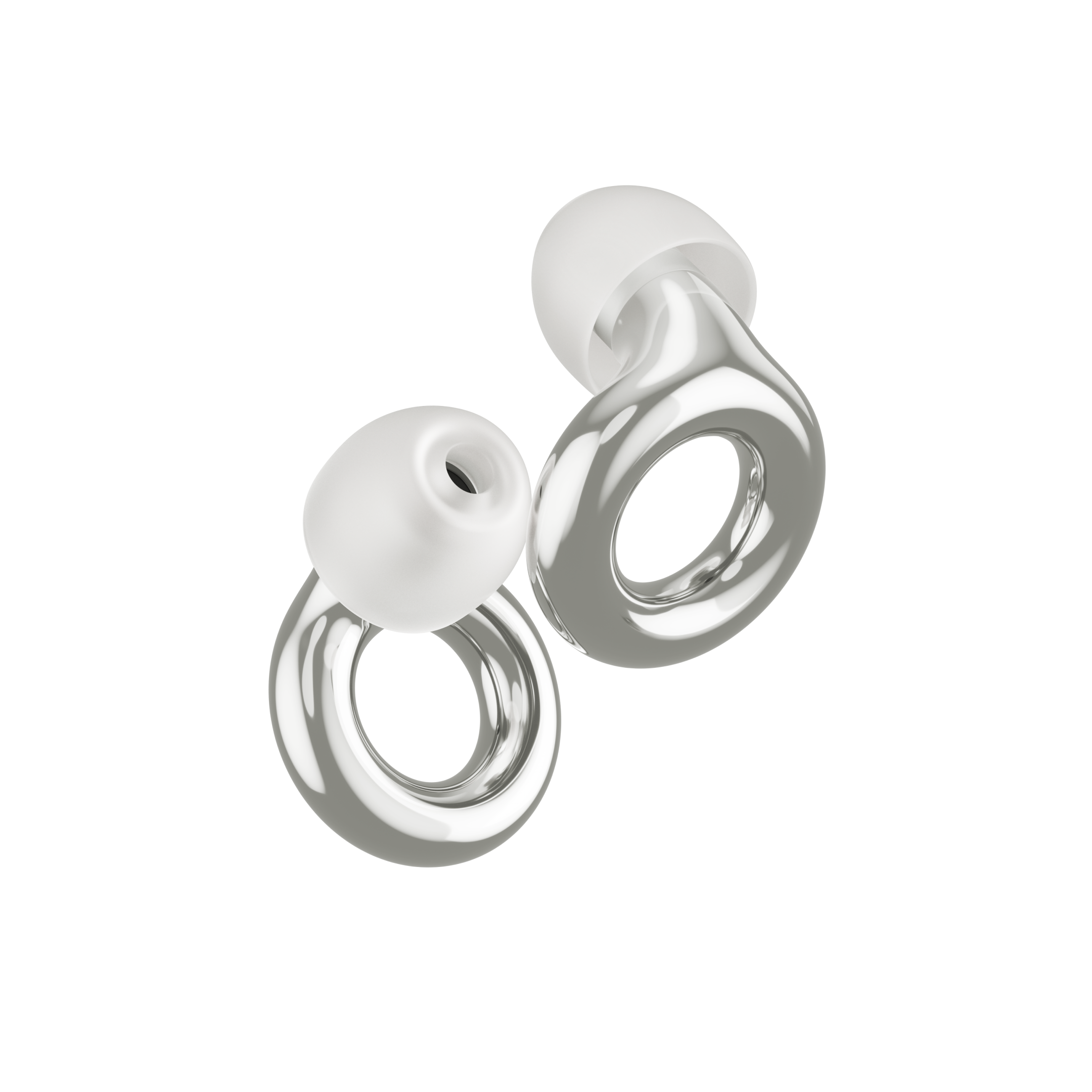
The best everyday filter when you need less volume without losing the conversation.
Jump to review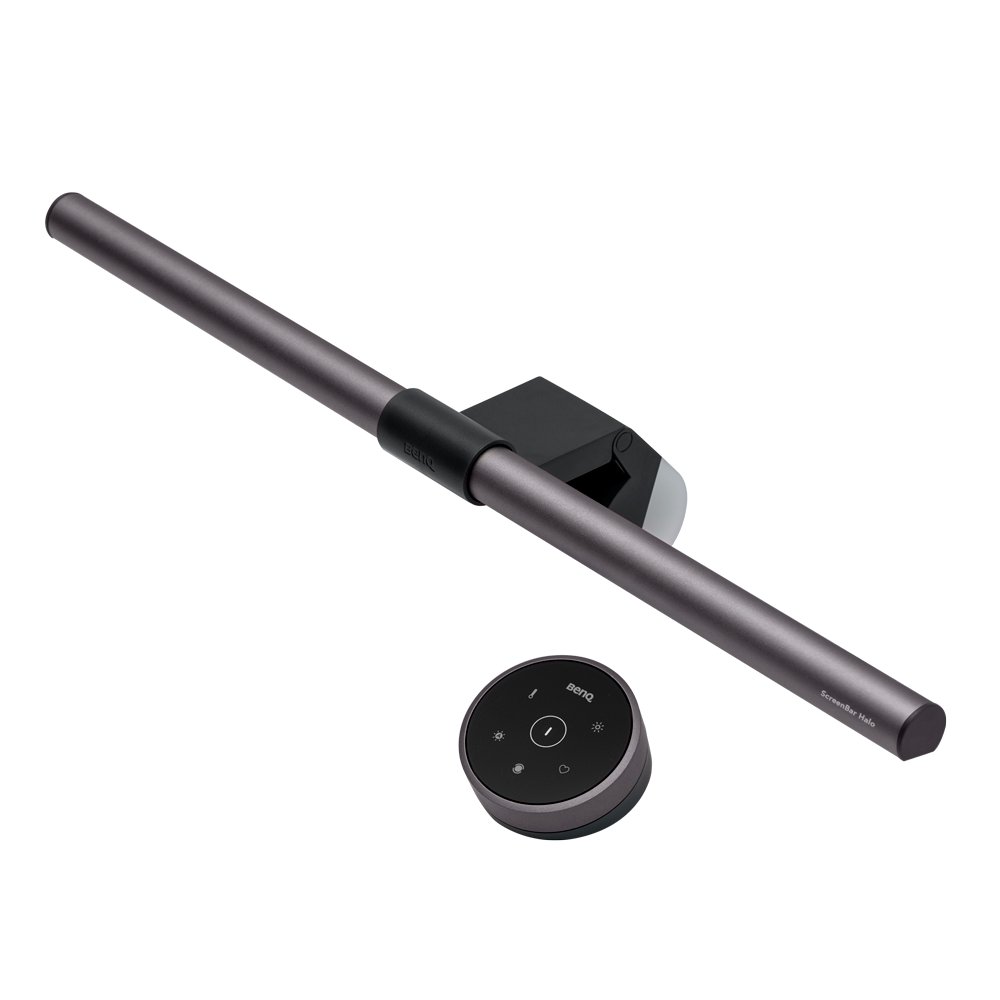
A high-impact lighting fix with low friction: flicker-free and easy to adjust on the fly.
Jump to review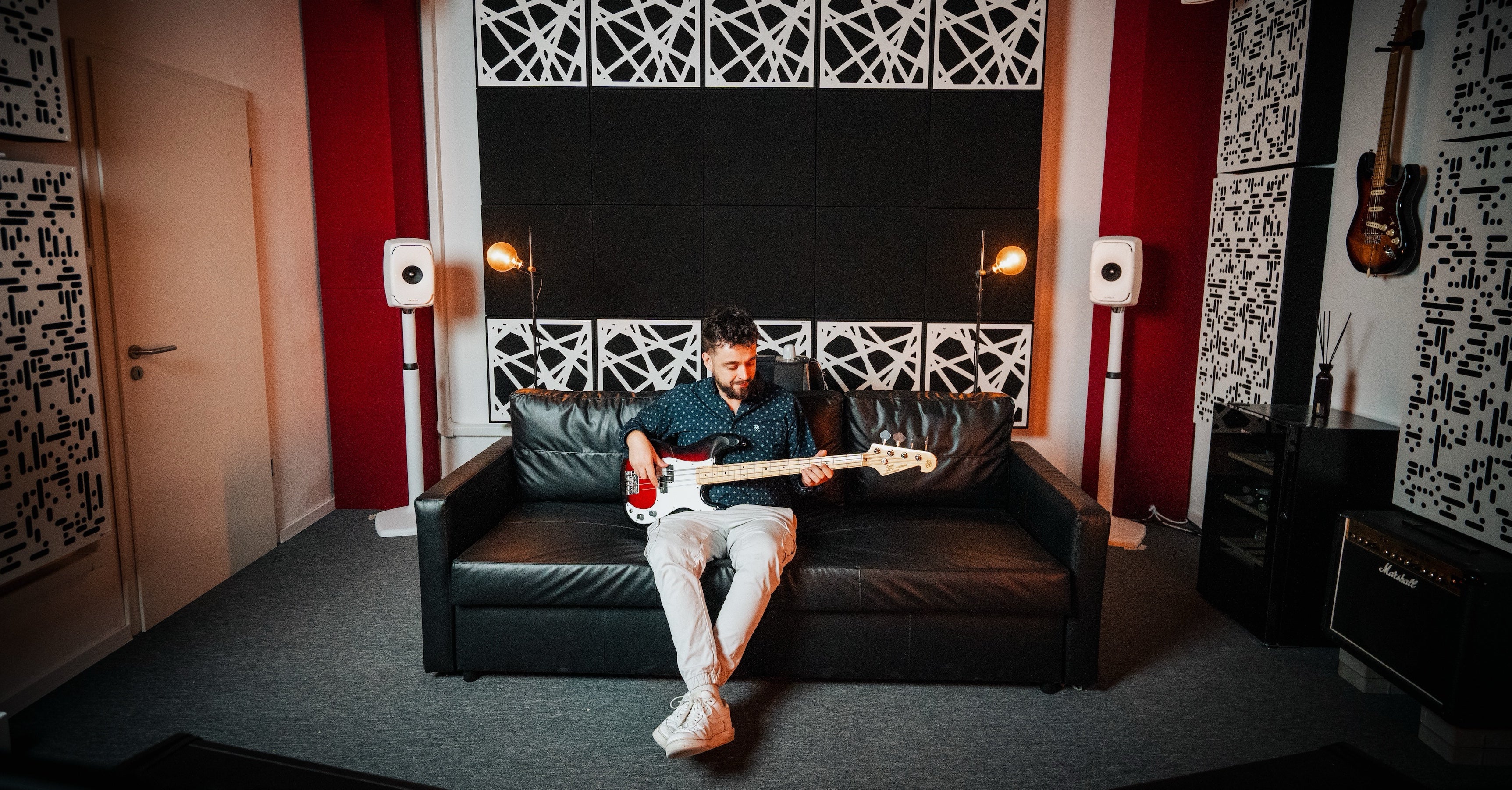
A strong first acoustic upgrade when reverb is draining your focus or video-call clarity.
Jump to review“Ergonomic” and “premium” mean very little if the material itches, the controls are confusing, or the motor becomes the loudest thing in the room.
A desk light changes the room. Acoustic panels change how headphones feel. A chair changes how long you can focus before discomfort starts talking.
The goal is not a perfect battlestation. It is a calmer setup with fewer hidden frictions and fewer recovery costs.
Review library
Each category is framed around a sensory question, not just a product type.
Motor noise, wobble, control clarity, and whether the standing feature actually feels usable.
Fabric texture, pressure points, adjustment friction, and support for unconventional sitting.
ANC pressure sensation, clamping progression, and what happens after hour three.
Filter vs. block, in-ear comfort, attenuation levels, and how isolating each option feels.
Flicker, color temperature, glare, and whether the controls are simple enough to use daily.
Echo reduction, sound blocking, DIY options, and what actually changes once panels go up.
Guides + resources
Before someone buys another device, they usually need language for what the workspace is already doing to them.
Featured guide
A room-by-room walkthrough of building a workspace that works with your brain.
What the gear should solve
The best workspace products do a small number of things extremely well: they reduce distraction, stay comfortable over long sessions, and stop demanding your attention once they are set up.